Read in order
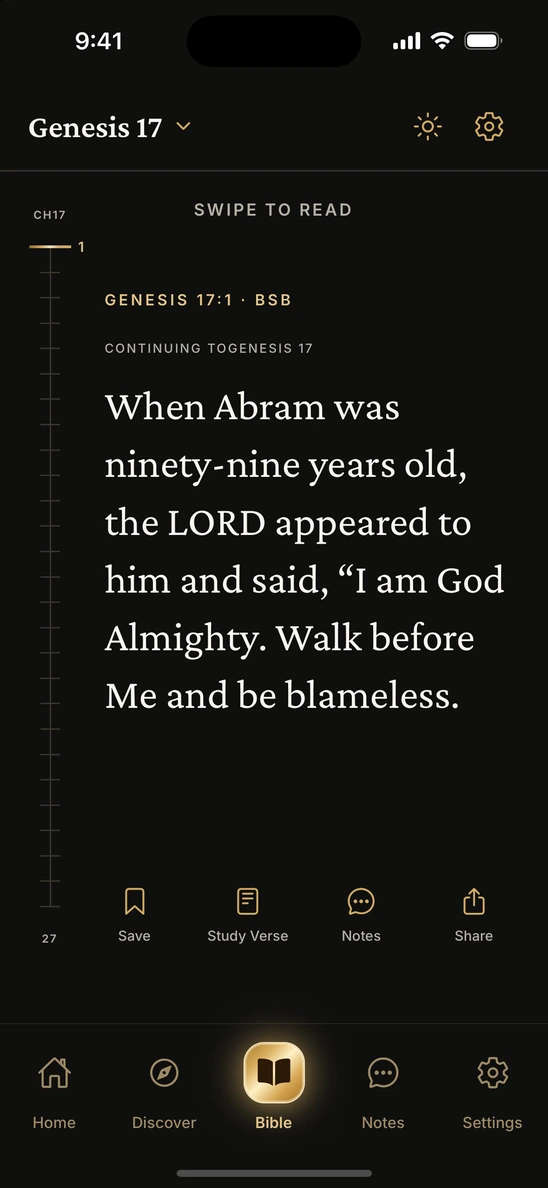
Open any book or chapter. Keep swiping to read in sequence, and pick up at the same verse next time.
 BibleTok

Start with a passage, swipe to the next verse, and come back to the same place tomorrow. The whole Bible is there, even offline.

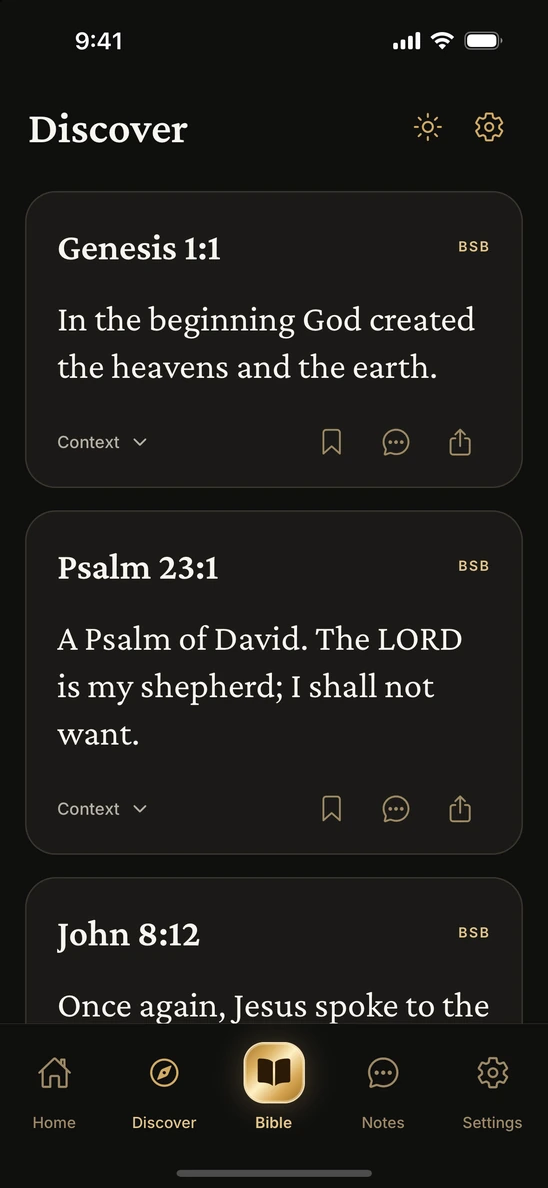
Read Psalm 23 as it appears in the reader, one verse at a time. If a verse stays with you, bookmark it here.
Swipe across the card or use the arrows.
Psalm 23:1
The LORD is my shepherd; I shall not want.
Open any book or chapter. Keep swiping to read in sequence, and pick up at the same verse next time.
Go straight to a verse by reference, search for words you remember, or start with a passage from Discover.
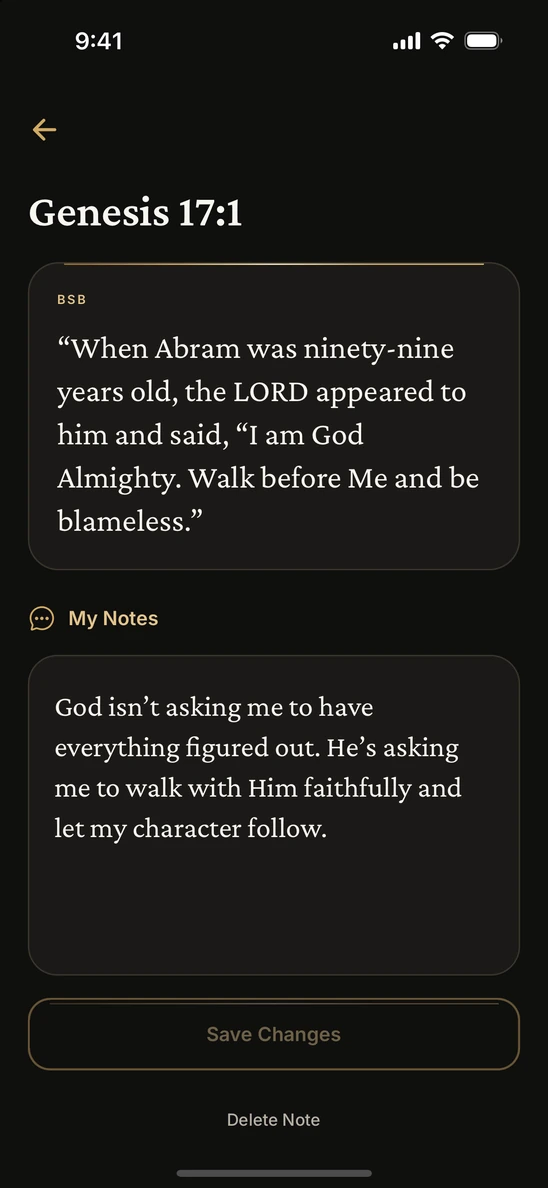
Save a verse and write a private note beside it. Find both again when you return to the passage.
Read the verse in the middle of a psalm about roaring waters, frightened nations, and the end of war.
Read John 15 with attention to what Jesus asks of the branches and what they receive from the vine.
Matthew 6 moves from everyday needs to birds, flowers, and the limits of one day.
In English, you can read the Berean Standard Bible (BSB), English Standard Version (ESV), and New International Version (NIV). BibleTok also includes Reina-Valera 1909 in Spanish, Bíblia Livre in Brazilian Portuguese, the Tagalog Unlocked Literal Bible, and the Simplified Chinese Union Version. You can choose the app language and the Bible edition separately in Settings.
Yes. The included editions are available offline. Optional verse study uses an internet connection.
Yes. Search for the words you remember or enter a reference such as John 3:16 to go straight to it. You can also browse by book and chapter.
Private notes are kept on your device. You can revisit them alongside the verses you saved.
A monthly or yearly subscription is required after your initial access period. The app shows the offer available to you, the price in your region, and any eligible trial before you subscribe.